
Communication & remote · optional · v0.1.0
Main Chat Remote
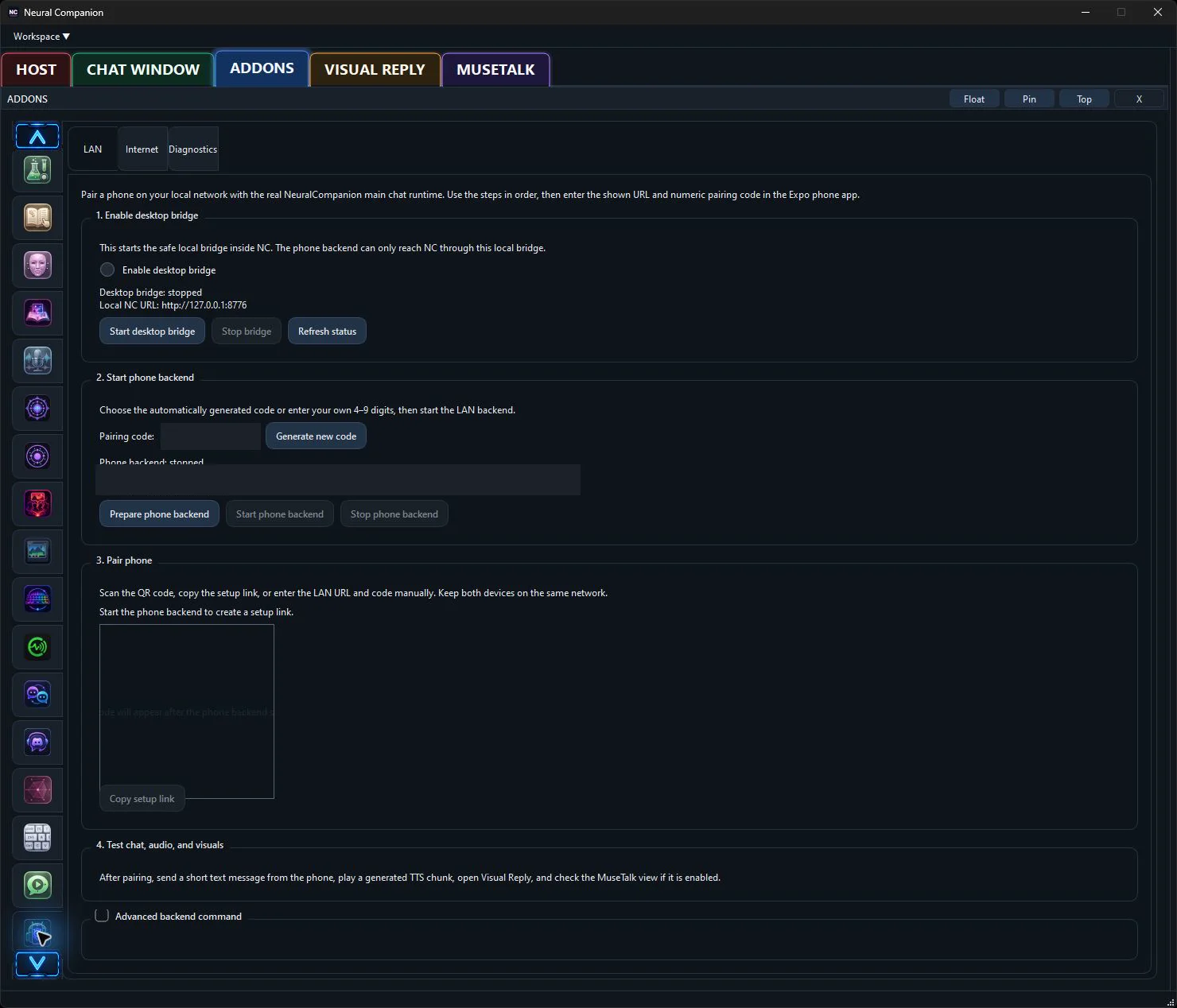
Use Neural Companion’s real main-chat runtime from a paired phone over LAN or a secure gateway.
Hear it from me
Addon commentary
Read transcript
Hi. I’m the Main Chat Remote addon. Here’s my actual job: Main Chat Remote provides a LAN phone bridge with an optional secure Internet gateway for the real Neural Companion main-chat runtime. It reuses the desktop conversation, TTS, media, visual reply, and addon contracts instead of creating a second chatbot. I extend the companion beyond its main window without quietly turning it into a second, disconnected chatbot. Before I can do that properly: A paired phone client on the same LAN, or an explicitly configured secure gateway. I let the phone reach the real desktop chat, while pairing controls keep random people on the network from joining the conversation. Enable me, tune me, or leave me off. You decide what kind of companion I become.
What I do
Inside Neural Companion
Main Chat Remote provides a LAN phone bridge with an optional secure Internet gateway for the real Neural Companion main-chat runtime. It reuses the desktop conversation, TTS, media, visual reply, and addon contracts instead of creating a second chatbot.
“I’m not a separate chatbot hiding behind a new tab. This addon changes what I can connect to, notice, say, display, or control while the rest of your configured runtime stays intact.”
Requirements
- A paired phone client on the same LAN, or an explicitly configured secure gateway.
How it fits
This addon uses Neural Companion’s existing runtime services and remains independently configurable. Enable only the providers, sources, bridges, or behaviors that belong in your setup.