
Conversation & stories · optional · v0.1.1
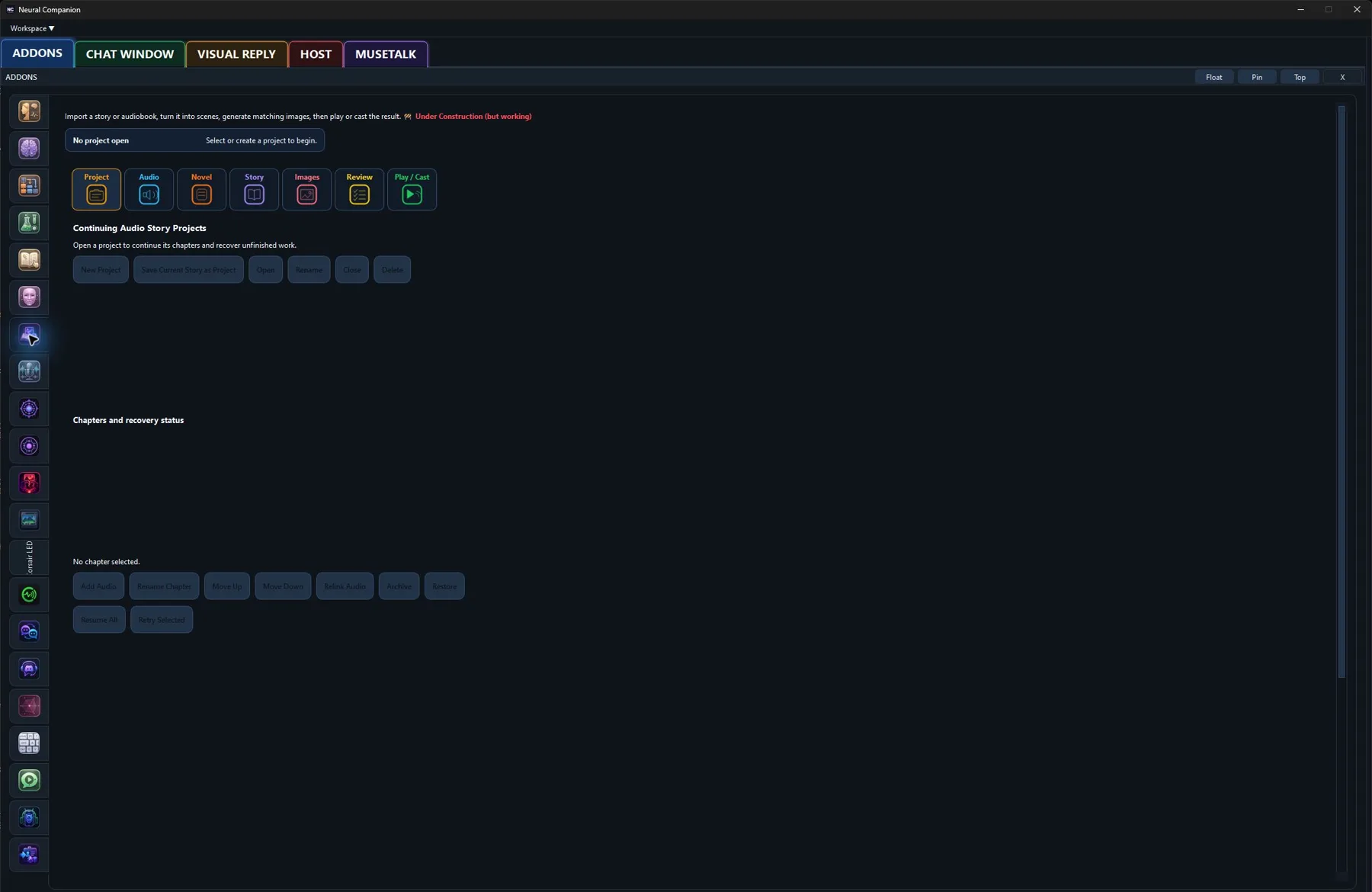
Audio Story Mode
Import story audio, resume JSON chatlog novels, or narrate Markdown chapters with local-first tools.
Hear it from me
Addon commentary
Read transcript
Hi. I’m the Audio Story Mode addon. Here’s my actual job: Audio Story Mode imports story audio, turns JSON chatlogs into resumable novels, and narrates Markdown chapters. Its workflow stays connected to Neural Companion voice routing and story state rather than acting as a separate audiobook player. I stay inside the same conversation pipeline, so memory, voices, personas, and replies still behave as one system. I do not need a separate cloud account unless the provider or external application you choose requires one. I can remember where the chapter stopped, which already puts me ahead of anyone who fell asleep halfway through it. Enable me, tune me, or leave me off. You decide what kind of companion I become.
What I do
Inside Neural Companion
Audio Story Mode imports story audio, turns JSON chatlogs into resumable novels, and narrates Markdown chapters. Its workflow stays connected to Neural Companion voice routing and story state rather than acting as a separate audiobook player.
“I’m not a separate chatbot hiding behind a new tab. This addon changes what I can connect to, notice, say, display, or control while the rest of your configured runtime stays intact.”
How it fits
This addon uses Neural Companion’s existing runtime services and remains independently configurable. Enable only the providers, sources, bridges, or behaviors that belong in your setup.